3native pluginsmacOS, Windows and Linux
Tools for your session.
Plugins that capture the take you didn’t arm, correct lopsided peaks, and share the session with whoever isn’t in the room.
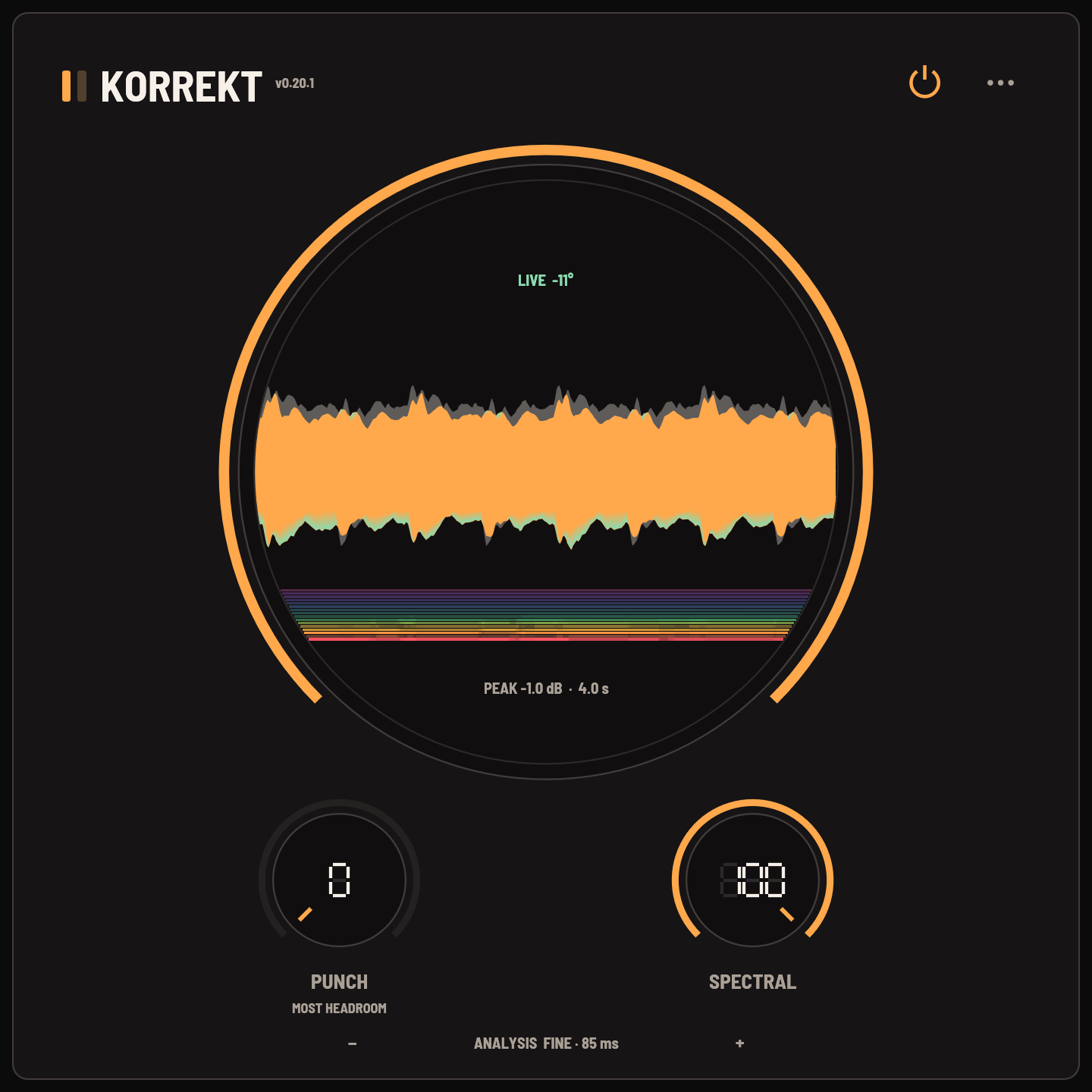
The plugins, in signal order

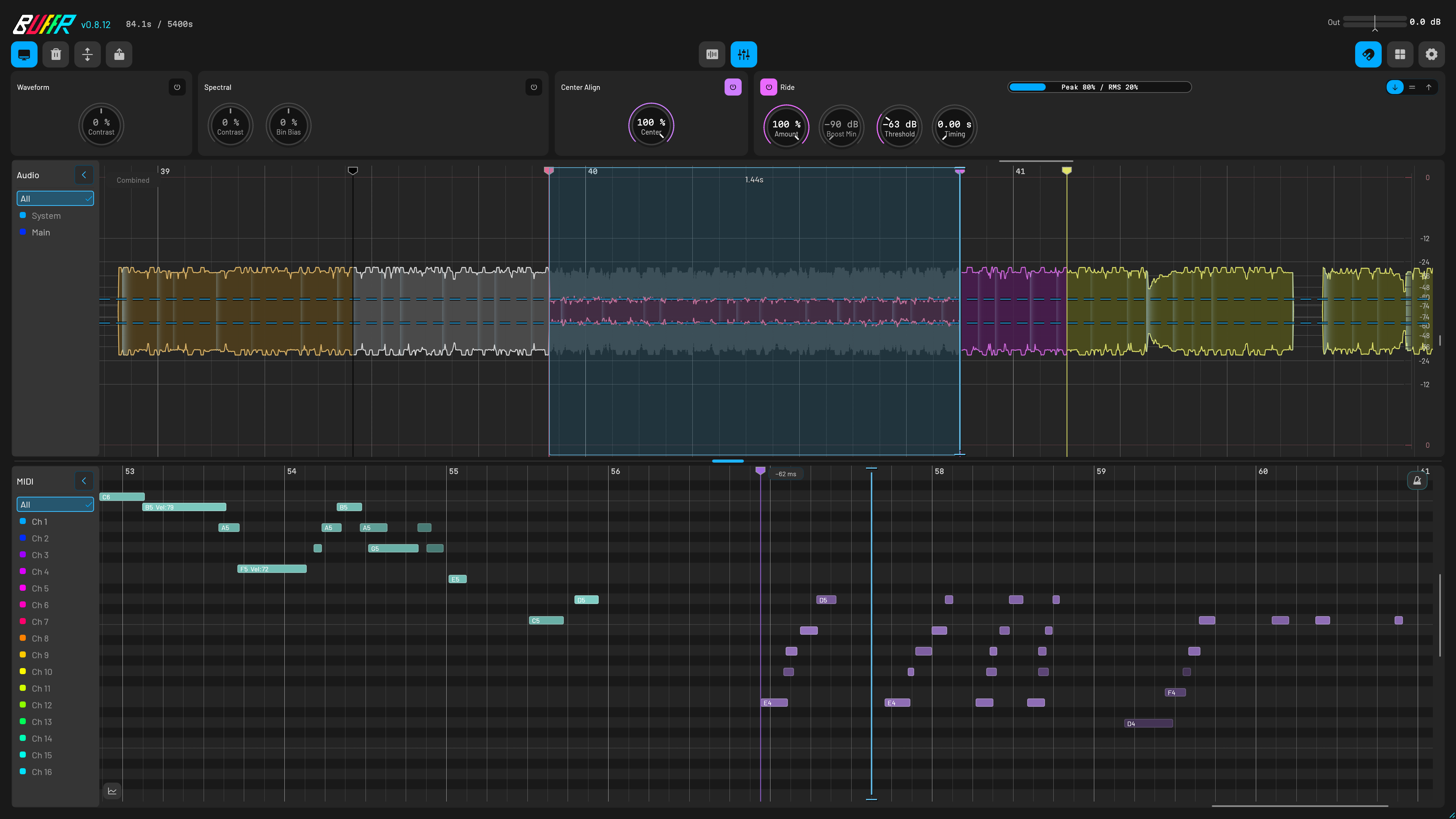
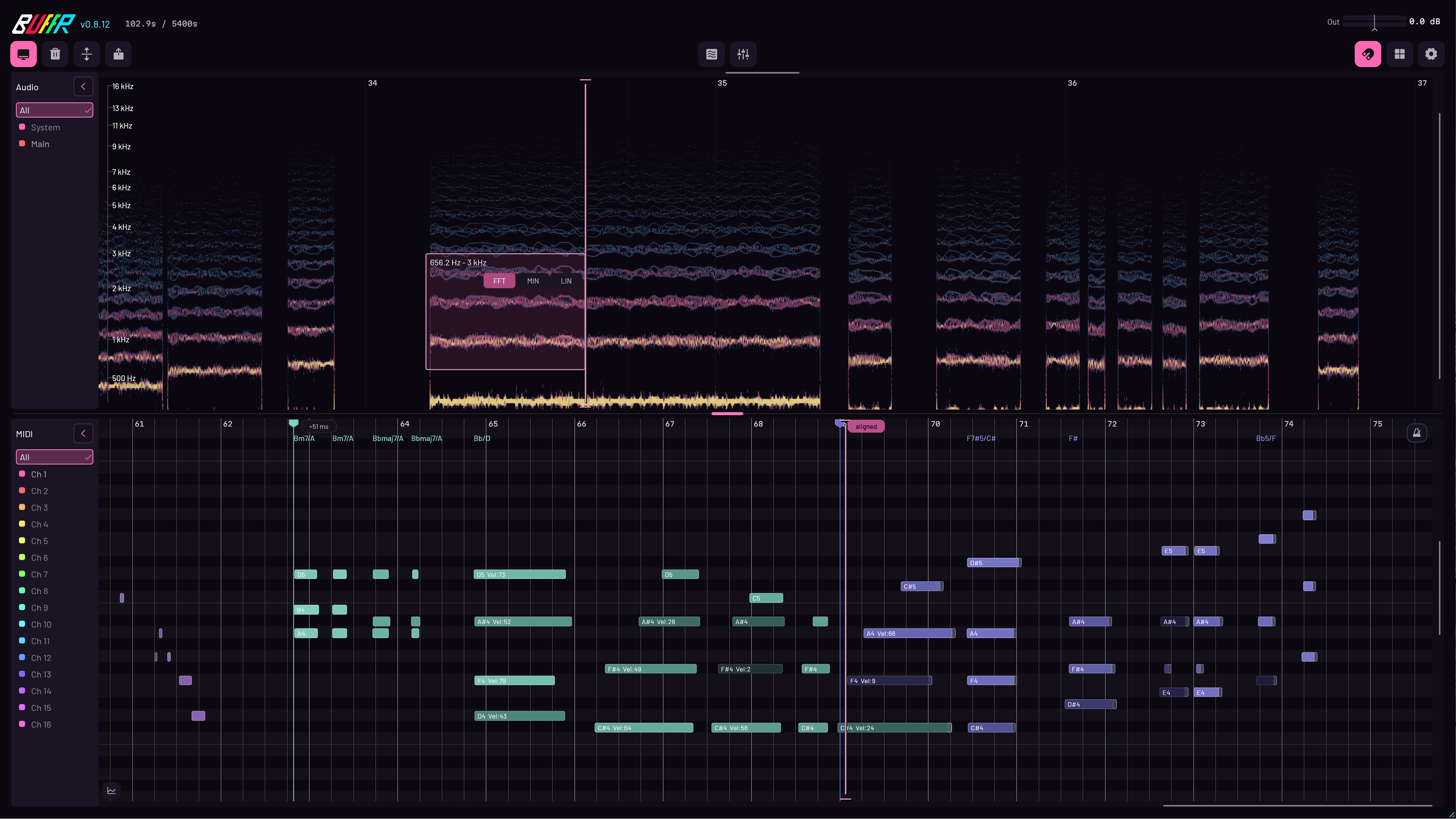
Never lose a happy accident.
BUFFR records your mix, your MIDI and your computer’s sound all the time. Missed a take? Drag it back.

Share DAW audio, live.
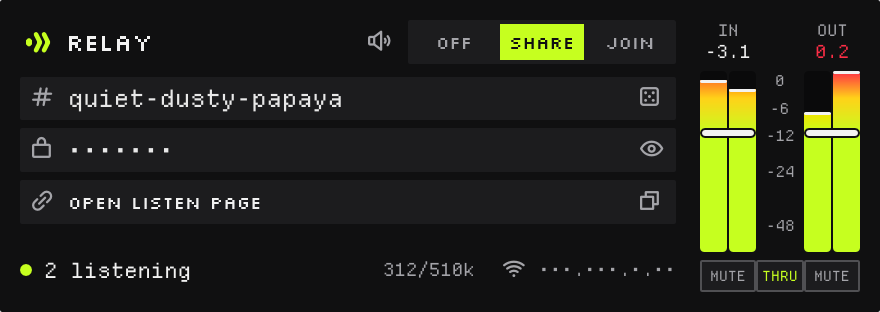
Send your session to another DAW, or to anyone with a link in a browser. Free, no account.

Use one, or all three, in any DAW that hosts CLAP, VST3 or AU.
Written up in 8 places since the BUFFR beta.


“I think Matari Audio is onto something here, and my first impressions are great.”“A useful plugin for creators who want to preserve unexpected ideas and great performances.”“I tried it and was impressed. BUFFR captures the output wherever it is inserted, and MIDI is easy to understand on the same timeline.”I make corrective tools with creativity in mind.
2017releasing musicAu5, ROY KNOX, Monstercat
Linuxfirst classthe reason Matari exists
I’m Daniel Elmaliah, better known as Derpcat.
I’ve released electronic music since 2017, including work with Au5 and ROY KNOX and releases on Ophelia, NCS, and Monstercat.
Before building plugins, I spent years making music, designing sounds, and reviewing plugins including Dune 3, Soothe 2, Falcon 2, and UVI Shade. That experience taught me what makes a tool useful in a real session.
When I switched from Windows to Linux at the beginning of 2026, I found that the audio industry had largely overlooked Linux. I founded Matari Audio to build the tools I wished existed, with proper support for macOS, Windows, and Linux.
I make mostly corrective tools with creativity in mind: plugins that solve a problem, make a workflow more comfortable, and give you more time to make music.
Built in the open
New plugins ship in open alpha so you can try experimental ideas and help shape them. No sign-up needed.
Stable plugins also have a Preview channel for updates as soon as they are ready.
At the end of an alpha or beta round, the most helpful contributors can earn a lifetime license for that plugin.
Questions?
What is included with a paid license?
A paid Matari license is a one-time purchase for that major version, not a subscription. It includes fixes and feature updates within the same major version—for example, every 1.x update. A future 2.x release may be a paid upgrade; your 1.x license remains yours.
What is the refund policy?
Paid one-time purchases have a 14-day money-back guarantee. Emailsupport@matari-audio.com within 14 days of purchase with your order email and order reference. The refunded major-version license is deactivated; an older major version you still own is unaffected. This policy does not limit any consumer rights that apply where you live.
How do purchases, license keys, and accounts work?
Polar handles secure checkout, receipts, and customer access. After checkout, your license key is delivered by email and available through the customer portal. Matari handles plug-in activation and machine management. Keep your full key private.
How many computers can I use, and how do I move a license?
A paid Matari license can be active on up to three computers you control. Pre-release programs may state a different limit. To free a seat, useManage activations with the matching email and key, then deactivate the computer you no longer use.
Do Matari plug-ins work offline?
Our licensing system supports online activation and a machine-bound offline activation file. Once activated, supported releases can run without a continuous internet connection. Check the product page or manual for that plug-in’s exact activation instructions.
Where do I get downloads and updates?
Current installers are on each plug-in page. Release history is published onUpdates and through the RSS feed. Paid customers can also use the customer portal linked from My license.
How do I get help with a purchase, license, or plug-in?
Start with Support or the product manual. When reporting a problem, include your operating system, DAW and version, plug-in format and version, and steps to reproduce it. Never send your full license key.
What data and cookies does Matari Audio use?
Audio and MIDI processing stays on your computer. The site uses short-lived necessary cookies for activation, license management, and protected downloads, plus aggregate measurement without visitor IDs, email addresses, full referrers, IP addresses, or user agents. Advertising tags are currently disabled. See the Privacy Policy andCookie Policy.